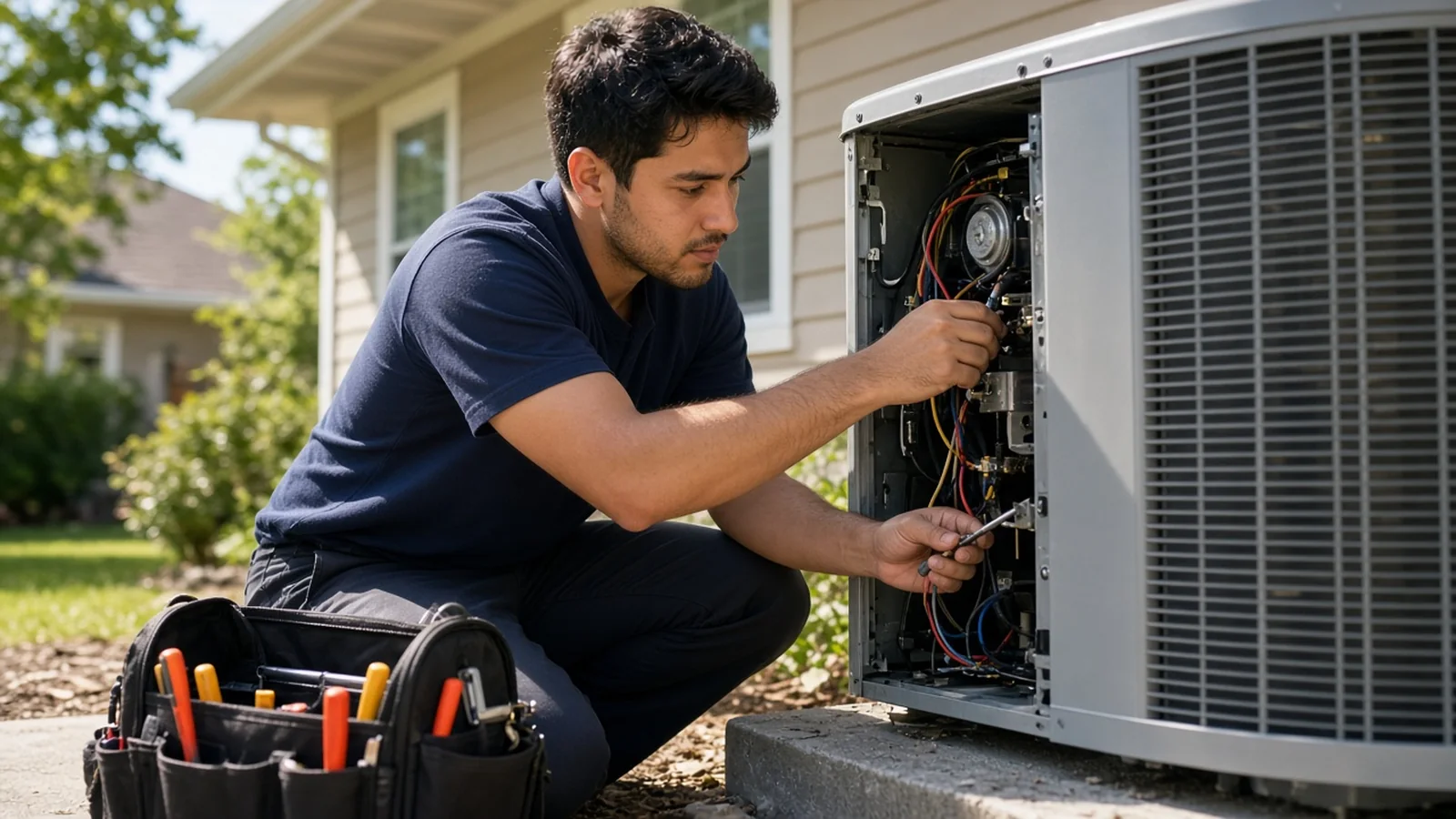
Home service businesses such as plumbing, HVAC, electrical, cleaning and landscaping use virtual assistants to answer calls and messages, book jobs, confirm appointments, support dispatch, follow up on estimates, send invoices and request reviews. Technicians stay in the field and the office runs smoothly, even when the owner is on a job.
In many home service companies, the owner answers the phone from a ladder or under a sink. Calls go to voicemail, and customers who need help fast simply call the next company. Estimates go out and nobody follows up. Happy customers never get asked for a review.
A virtual assistant can fix much of that without adding a full office team.
Tasks to hand over
Answering calls and messages
Answering the phone during business hours, replying to web forms and texts and capturing job details. Our guide to the virtual receptionist covers call scripts and handoff rules.
Booking jobs
Using your scheduling software to book service calls in the right time windows, based on job type, location and technician skills.
Confirmations and reminders
Day before and on the way messages reduce no access problems and make customers feel looked after.
Estimate follow up
Calling or emailing customers who received an estimate but have not decided. Many owners find this is where the most revenue leaks out. Our post on the virtual appointment setter shows how to structure follow up calls.
Dispatch support
Updating the schedule as jobs run long, notifying customers of delays and moving jobs when a technician is out.
Invoicing and payment reminders
Sending invoices after jobs, tracking payments and sending friendly reminders.
Reviews
Asking happy customers for reviews and alerting the owner to any negative feedback. See online review management with a virtual assistant.
Call handling rules
| Call type | Assistant action | |---|---| | New service request | Capture details, book in the right window | | Emergency such as no heat or a leak | Follow your emergency script, alert on call tech | | Estimate question | Answer from approved info, book a visit | | Price question | Follow your pricing script | | Existing job status | Check schedule, update customer | | Complaint | Log details, alert owner the same day |
Emergency rules matter most. Write a clear script for what counts as urgent and how to reach the on call technician.
What stays with your team
Diagnosis, pricing beyond your published rates, technical advice and anything that requires a license. The assistant schedules and communicates. Your technicians fix things.
Tools to share
Your field service software, phone system, shared inbox, payment tool and review profiles. Many field service platforms support a dispatcher or office role with limited permissions, which is ideal for an assistant.
Getting started
- Write your call script and booking rules.
- List job types with typical durations.
- Write an emergency script with on call contacts.
- Set up the assistant in your phone and scheduling systems.
- Start with call answering and booking.
- Add estimate follow up and reviews after two weeks.
Measuring results
Track answered call rate, jobs booked, estimate close rate, days to payment and new reviews. Compare to the month before the assistant started. These numbers show the real return quickly.
Coverage hours
Most home service calls come in during the day, with spikes on Monday mornings and during weather events. Match hours to your call patterns. For after hours emergencies, decide whether the assistant takes calls or forwards them to an on call technician.
Cost
At delegateit, a full time Assistant starts at $1,500 a month for about 160 hours. A part time Assistant starts at $900 a month for about 80 hours. Specialist roles start at $2,200 a month. See our pricing page.
A day in the role
The assistant starts by checking overnight messages and booking those customers. They confirm the day's jobs and send on the way texts as technicians leave. When a job runs long, they call the next customer with a new arrival window. Midday they follow up on estimates from last week. In the afternoon they send invoices for finished jobs and review requests to happy customers. Before closing, they send the owner a short summary of booked jobs, open estimates and any complaints.
The owner spends the day doing paid work. The phone gets answered every time.
Seasonal surges
HVAC companies see surges in heat waves and cold snaps. Plumbers get busy when pipes freeze. Lawn care crews peak in spring. Ask the assistant to prepare for your peak with scripts for common surge calls, a priority list for existing maintenance customers and extra hours if needed. During slow seasons, they can run maintenance plan campaigns and past customer outreach to keep the schedule full.
Maintenance plans
Recurring maintenance plans bring steady revenue. The assistant can track renewal dates, book seasonal tune ups and remind customers of plan benefits. A simple routine of calling plan members a few weeks before their visit is due keeps those customers loyal and the schedule predictable.
Training tips
Have the assistant shadow calls for a few days, then take calls with you listening. Give them a cheat sheet of common problems and the right questions to ask for each. Share photos of typical jobs so they understand what customers describe. Review a sample of booked jobs each week to check time windows and job types.
Common mistakes
No emergency script. Leaks and no heat calls need a clear plan.
Booking without job durations. The schedule falls apart if every job gets the same slot.
Skipping estimate follow up. It is often the biggest source of easy revenue.
No review requests. Happy customers rarely leave reviews unless asked.
Writing the call script
A good script is short and covers the essentials. Greet the caller with your company name. Ask for their name, address and best phone number. Ask what the problem is and how long it has been happening. Check whether it is urgent using your emergency checklist. Offer the next available windows and confirm the booking. Explain what happens next, such as an on the way text and the service call fee if you charge one.
Give the assistant room to sound human. The script is a checklist, not a speech. Customers calling about a broken water heater want to feel heard and to know someone is coming.
Handling estimates well
Estimates often sit in limbo. The assistant can follow a simple sequence. A thank you message the day after the visit, a call a few days later to answer questions and a final check in a week after that. They log the outcome in your software and flag any customer asking about price for the owner to call personally. Even a modest lift in closed estimates can cover the cost of the role.
Home services virtual assistant questions
Can a virtual assistant dispatch technicians?
They can support dispatch by booking and adjusting the schedule in your software, following your rules.
What about after hours emergencies?
Decide whether the assistant covers them or forwards to an on call technician. Write a clear script either way.
Can they quote prices?
Only from your approved price list. Custom quotes stay with your team.
Do they need trade experience?
Not usually. Good scripts and a cheat sheet of common problems are enough to start.