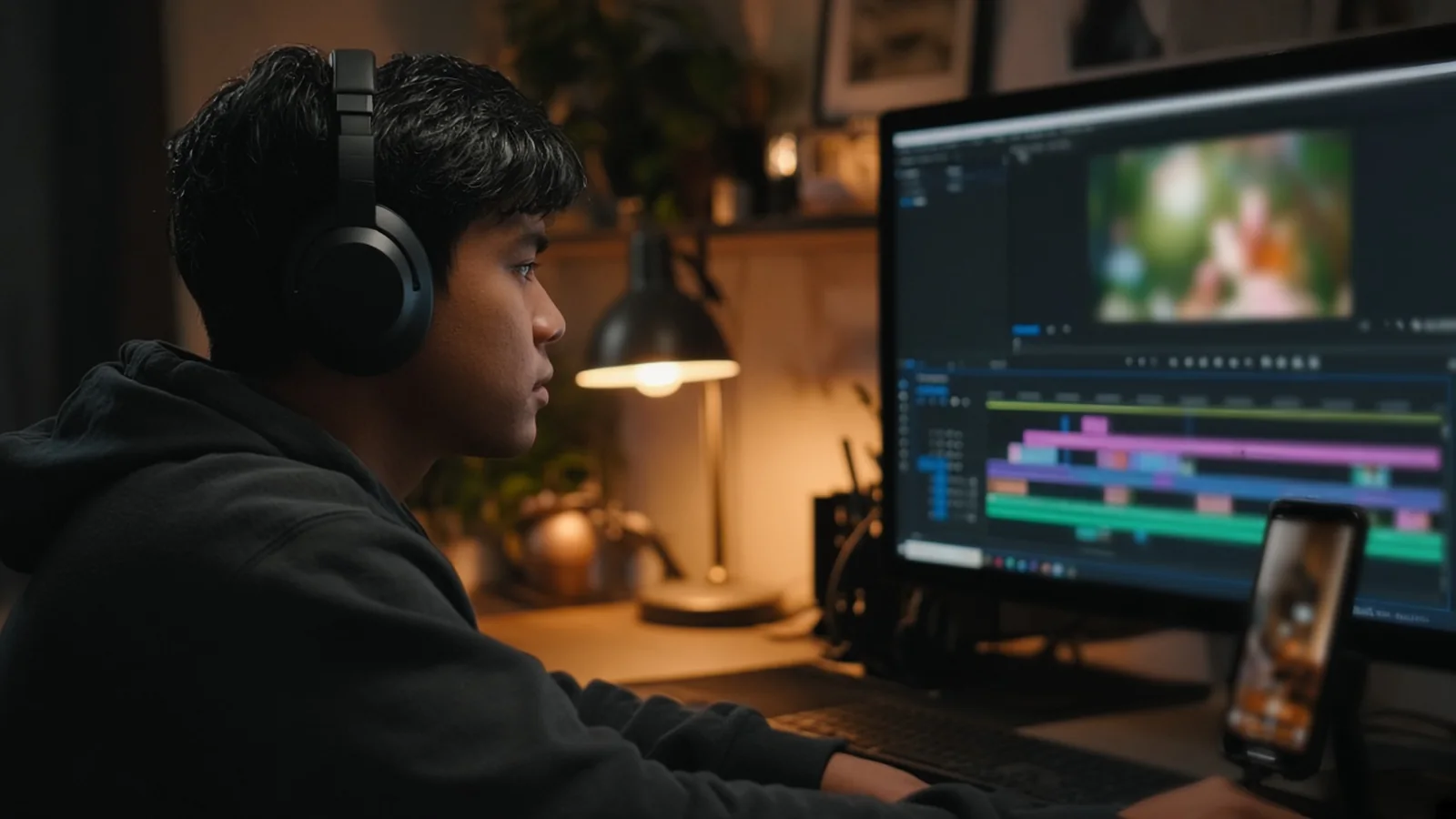
A video editing virtual assistant turns raw footage into finished content. Typical work includes cutting long recordings into short clips, editing YouTube videos, adding captions and simple graphics, cleaning up audio, creating thumbnails and exporting for each platform. Success depends on a consistent upload process, a style guide with examples and a clear review step.
Video is now a big part of marketing for many businesses, and editing is where most of the time goes. A thirty minute recording can take hours to turn into a polished video and a set of short clips. Owners who try to do it themselves usually post less than they planned. An editor changes that by turning recording into the only part you have to show up for.
What a video editor handles
Short form clips
Turning webinars, podcasts, interviews and talking head recordings into short vertical clips for Reels, Shorts and TikTok. This usually includes picking the best moments, adding captions, cropping for vertical and adding a hook at the start.
Long form edits
Editing YouTube videos, course lessons and webinars. That includes cutting mistakes and pauses, adding b roll and graphics, balancing audio, color correction and adding intros and outros.
Podcast editing
Cleaning audio, removing filler and long pauses, adding music and preparing video versions for YouTube. If podcasting is your main need, also see our podcast virtual assistant post.
Thumbnails and assets
Creating thumbnails, title cards and simple motion graphics. Some editors are strong at this. Others prefer to work with a designer. Our graphic design virtual assistant guide covers that role.
Publishing prep
Exporting in the right formats, writing draft titles and descriptions and uploading to your platforms or scheduler for your approval.
Setting up the workflow
A single place for raw footage
Pick a shared drive folder and stick to it. Every recording goes into a dated folder with a short note on what it is. Large files upload slowly, so record in reasonable quality and upload as soon as you finish. Some editors prefer tools like Frame.io for footage and review.
A style guide
Collect a few videos you like, from your own channel or others, and note what you like about them. Pacing, caption style, music, graphics and length. Add your brand colors, fonts and logo files. A style guide shortens the first few rounds of feedback dramatically.
Templates
Ask your editor to build templates for captions, lower thirds, intros and end screens. Templates keep your content consistent and make each edit faster.
Review and approval
Use a tool that allows time stamped comments so feedback is precise. Review in batches, ideally once or twice a week, instead of reacting to each clip separately. Approve, then publish.
Hiring a video editor
Ask for a reel or a few links to work similar to what you want. Short form and long form require different instincts, so look for the right kind of experience. Then give a paid test using your own footage. A ten minute clip and a request for one short vertical cut with captions is a good test. Look at the hook, the pacing and how well the captions are timed.
Ask about software. Adobe Premiere Pro, DaVinci Resolve and Final Cut Pro are common for long form. CapCut and Descript are popular for short form and podcasts. Make sure their tools work with your files and your budget.
Our post on test tasks for a virtual assistant explains how to design fair paid tests.
Recording tips that make editing easier
Good editing starts at the recording. A few habits save your editor hours. Record in a quiet room with a decent microphone, because bad audio is much harder to fix than bad video. Keep the camera steady and at eye level. Leave a second of silence before and after each take so cuts are clean. If you make a mistake, pause and repeat the full sentence instead of picking up mid thought.
Ask your editor what would help them most. They see every file you record and often have simple suggestions, like a better position for your light or a different export setting on your camera.
Hardware and internet
Video is demanding. Your editor needs a computer powerful enough for your footage and a stable, fast internet connection to download and upload large files. Ask about both in the interview. Dedicated assistants through an agency are usually set up for this, but it is still worth confirming.
Turnaround expectations
Agree on realistic timelines. Short clips from an existing recording might take a day or two for a batch. A fully edited long form video with graphics might take several days. If you publish on a fixed schedule, work backwards from your publish dates so your editor always has a buffer.
A simple content calendar shared with your editor helps everyone. It shows what is being recorded, when footage will arrive and when each piece goes live.
What it costs
At delegateit, part time assistants start at $900 a month for about 80 hours and full time starts at $1,500 a month for about 160 hours. Experienced editors with advanced motion graphics or color skills usually fit our specialist plan from $2,200 a month. See the pricing page for detail.
Volume is the main driver. One weekly long form video plus a handful of clips can fit part time. Daily short form across several platforms plus long form usually needs full time.
Measuring results
For short form, look at views, average watch time and how many viewers watch past the first few seconds. For long form, look at retention graphs to see where people drop off. Share these with your editor. Editors who can see the data improve their hooks and pacing faster.
Do not judge one clip at a time. Look at trends over a month and test one change at a time, like a different caption style or a stronger opening line.
Combining editing with other content work
Many creators and small brands pair an editor with a content or social media assistant who handles scheduling, captions and community replies. Our social media virtual assistant post explains how those roles fit together. At smaller volumes, one capable person can sometimes do both.
The first month
Week one, your editor studies your style guide and past content and edits one or two pieces with heavy feedback. Week two, they build templates and a repeatable process. Weeks three and four, they handle a regular schedule with lighter review. By the end of the month you should be recording and approving, while your editor handles everything in between.
File ownership and archives
Keep project files and finished exports in your own shared storage. Agree on a naming system so you can find any video later. Archive older raw footage to cheaper storage once a project is published. If you change editors, the next person can open the project files and keep going.
Video editing VA questions
Can a VA edit both long and short videos?
Many can, but strengths vary. Test both if you need both, or hire for the format that matters most first.
What software should my editor use?
Premiere Pro, DaVinci Resolve and Final Cut Pro are common for long form. CapCut and Descript are popular for short clips and podcasts.
How do I send large video files?
Use a shared cloud folder or a review tool like Frame.io. Upload right after recording so your editor can start quickly.
How many short clips can I get from one recording?
It depends on length and content. A long interview often yields several good clips. Your editor can suggest the best moments.