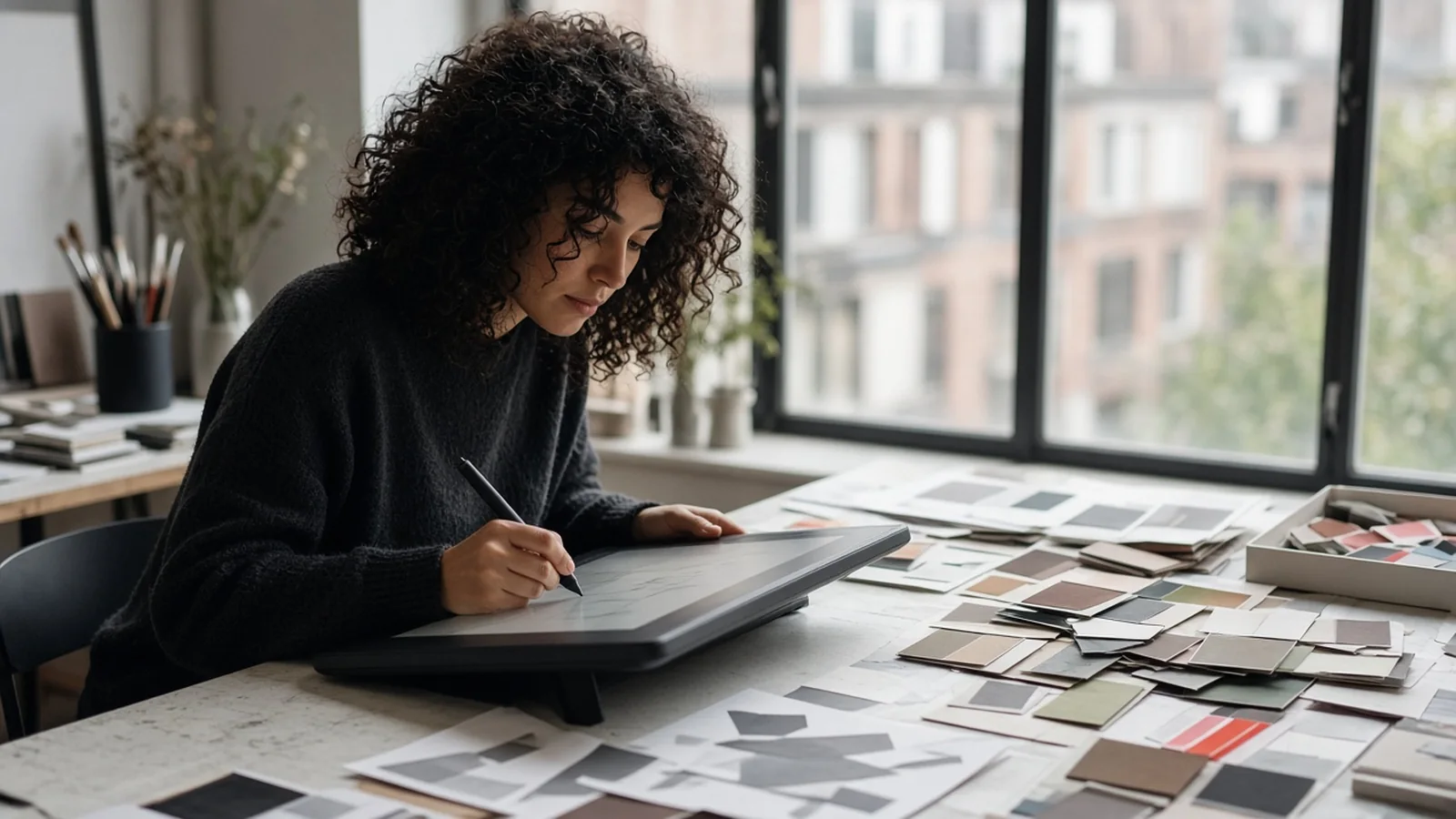
A graphic design virtual assistant produces the everyday visuals a business needs. Think social media graphics, ad variations, presentation decks, email headers, simple flyers, resized assets and edits to existing templates. They work best from a brand kit and a clear brief. For full brand identity or complex campaigns, pair them with a senior designer or agency.
Most small businesses do not need a famous designer. They need someone who can turn out good, on brand graphics every week without a three day turnaround. That is what a design assistant is for. They keep the visual side of your marketing moving while the bigger creative decisions stay with you or a specialist.
Work a design assistant usually handles
The list below covers what most clients ask for in the first few months.
- Social media posts, stories and carousel graphics
- Ad creative in multiple sizes and variations for testing
- Slide decks for sales, pitches and webinars
- Email headers and newsletter graphics
- Simple print pieces like flyers, menus and event signage
- Resizing and reformatting existing assets for new channels
- Photo cleanup like background removal and color correction
- Updating templates with new copy, prices or dates
That is plenty to keep a part time or full time assistant busy, especially if you run ads or post often.
Where a senior designer still matters
Creating a new brand from scratch, designing a logo, building a complex website or running a big campaign concept all take a different level of experience. Some assistants have it, many do not. Be clear about which you need. A common setup is a senior designer or agency for the brand system and a design assistant for daily production within that system.
Build a brand kit before anything else
A brand kit makes your assistant faster and your marketing more consistent. It does not need to be fancy. Include the following.
Logo files
All versions, in the right formats, with simple rules for spacing and placement.
Colors and fonts
Exact color codes and the fonts you use, with licenses where needed.
Templates
Starter templates for your most common formats, like social posts and presentation slides. Canva and Figma both make this easy.
Examples
Five pieces you love and two you dislike, with a sentence on why. This teaches taste faster than any rulebook.
Store everything in a shared folder with clear names. Your assistant should never have to hunt for the latest logo.
Writing a good design brief
A short brief saves rounds of revisions. Cover what the piece is for, where it will be used, the size and format, the copy, any images to include and the deadline. Add one or two references if you have something specific in mind.
Keep a simple brief template and ask your team to use it. Your assistant can push back when a brief is missing something. That is a good habit to encourage.
Tools
Canva is the common choice for fast template based work. Many businesses use it exclusively. Adobe Photoshop, Illustrator and InDesign cover more advanced work. Figma is popular for web and product design, as well as for shared templates. Ask candidates which tools they use daily and match them to your needs.
Decide who owns software licenses. Usually the business pays and owns the account so files stay with you if your assistant changes. Our virtual assistant tools post has more on setting up shared accounts.
Hiring a design assistant
A portfolio is essential. Look for work similar to what you need. If you want social graphics, look at social graphics. If you need presentations, ask to see decks. Pay attention to consistency and attention to detail, like alignment and spacing, more than flashy concept work.
Then give a short paid test. Share your brand kit and ask for two social graphics and one resized version from a brief. Watch how closely they follow the kit and how they handle feedback on a revision. For more on structuring tests, see our post on test tasks for a virtual assistant.
Feedback that actually helps
Designers improve fast with specific feedback. Instead of "make it pop," say "make the headline bigger and give the photo more space." Point to the part of the design you are talking about. Use a tool like Canva comments, Figma comments or a marked up screenshot so nothing gets lost.
Keep a running note of feedback themes. If you keep asking for more white space, add that to the brand kit. Over time, revisions drop.
Turnaround and workflow
A simple request queue works well. Put requests in a shared board in Trello, Asana or a spreadsheet with columns for requested, in progress, review and done. Your assistant picks from the top and moves cards along. You review in batches instead of being pinged for each piece.
Agree on typical turnaround times. A social graphic might take a day. A full deck might take a few. Rush requests should be rare and flagged.
Pairing design with other roles
Design often sits next to social media and video. If your assistant is also scheduling posts, read our social media virtual assistant guide. If you need motion or short form video, a separate video editing virtual assistant is often a better fit than asking a designer to do both.
What it costs
At delegateit, part time starts at $900 a month for about 80 hours and full time starts at $1,500 a month for about 160 hours. More senior designers usually fit our specialist plan from $2,200 a month. Use the estimator on the pricing page to compare.
Think about volume when you decide. If you need a handful of graphics a week, part time is often enough. If you run frequent ad tests or produce lots of content, full time gives you faster turnaround and more consistency.
A realistic first month
Week one, your assistant studies your brand kit and recreates a few existing pieces to learn your style. Week two, they take on live requests with full review. Weeks three and four, they build out missing templates and start working faster with lighter review. By the end of the month, you should have a reliable flow of on brand visuals and a library of templates that keeps growing.
Owning the files
Make sure every source file lives in your shared drive or your team design account, never only on the assistant's computer. Name files consistently and keep an archive of finished work. If you ever change assistants, the next person can pick up where the last one left off without starting from zero.
Graphic design VA questions
Can a design assistant create my logo?
Some can, but logo and brand identity work usually benefits from a senior designer. Many businesses use an assistant for ongoing production after the brand is set.
Canva or Adobe?
Canva is fast and easy for templated marketing work. Adobe tools offer more control for complex or print heavy work. Many assistants use both.
How many graphics can a design assistant produce?
It depends on complexity. Simple template edits are quick, while custom ad sets or decks take longer. Track output for a few weeks to set expectations.
Who owns the designs?
Set this in your agreement. Most businesses own all work produced for them, with source files stored in company accounts.