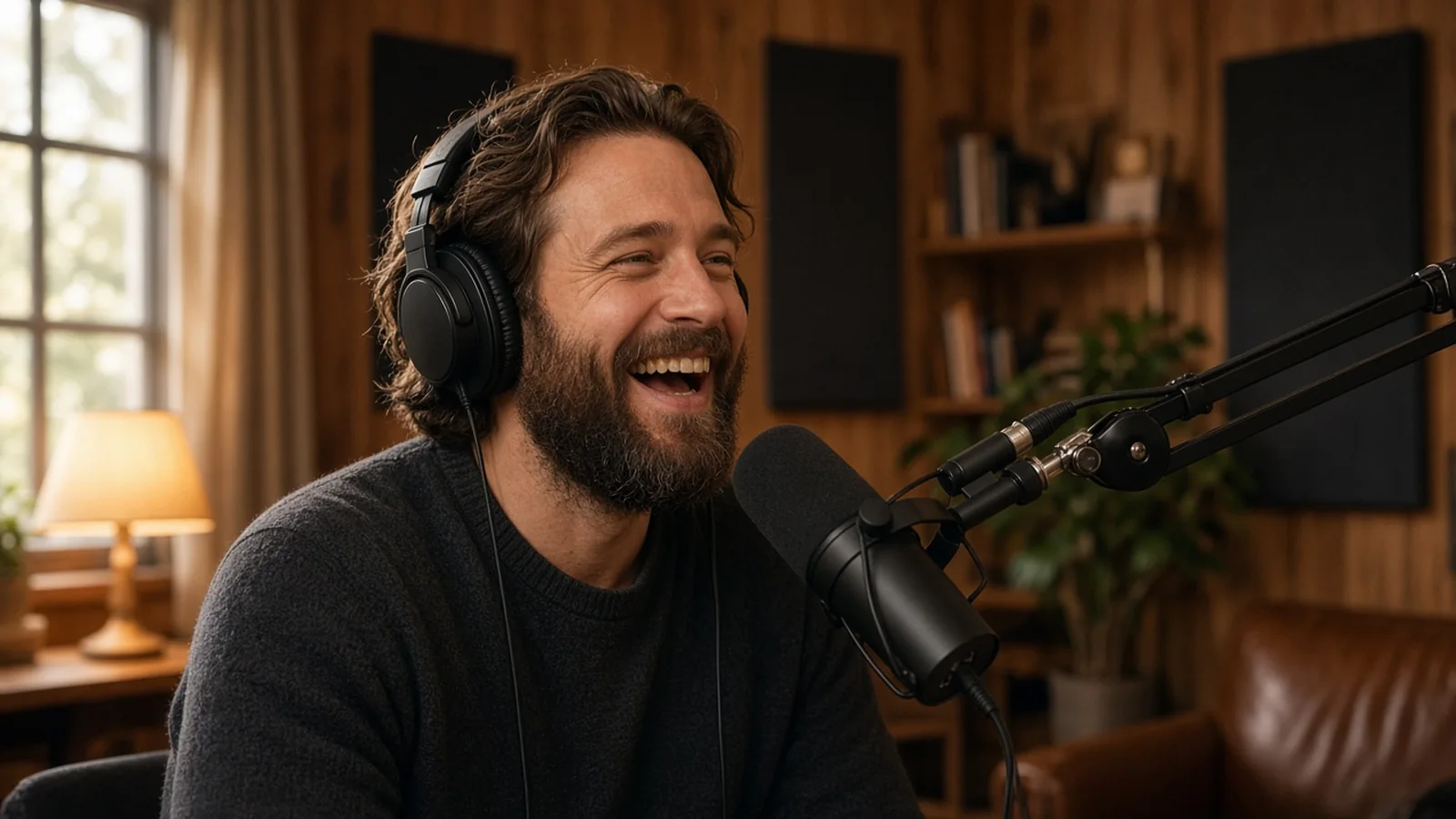
A podcast virtual assistant runs the work around each episode. They find and book guests, send prep packets, manage the recording calendar, coordinate or handle editing, write show notes, upload episodes and turn each one into social posts and newsletter content. You keep the part only you can do, which is the conversation itself.
Most podcasts do not stop because the host runs out of ideas. They stop because the production work piles up. Every episode needs a guest, a time, a prep doc, a recording, an edit, show notes, artwork, an upload and some promotion. Done alone, that can eat most of a day per episode.
A podcast assistant takes that pipeline off your plate. With a good setup, the host spends time on preparation and recording, and the show goes out on schedule every week.
The episode pipeline
It helps to think of every episode as moving through the same stages. Your assistant owns the movement between them.
Guest research and outreach
Building a list of potential guests that fit your audience, researching each one, drafting personalized invitations for your approval and following up.
Booking
Sending a scheduling link, confirming the recording time across time zones and sending calendar invites with the recording link.
Prep packet
A one page brief for you with the guest's background, recent work, suggested questions and links. A short guide for the guest with the format, length, tech checklist and what the audience cares about.
Recording day
Checking that the recording platform is set up, sending a reminder an hour before and being on standby for tech problems.
Editing
Either editing directly or coordinating a freelance editor, sending raw files with notes and checking the final cut. Editing is a skill of its own, so be clear about which you want.
Show notes and publishing
Writing the episode description, timestamps, guest links and a summary. Uploading to your hosting platform with the right artwork, title and tags, then scheduling the release.
Promotion
Cutting quotes for social posts, sharing audiograms or clips, drafting a newsletter blurb and sending the guest a share kit with links and ready made posts.
Guest booking done well
Guest booking is where a good assistant earns their place. A few practices help.
A clear guest profile
Write down who makes a good guest for your show. Industry, experience, what they should be able to teach and any red flags. The assistant uses this to filter candidates before anything reaches you.
Personal invitations
Generic pitches get ignored. Ask the assistant to reference a specific piece of the guest's work in each invitation and explain why your audience would care.
A booking tracker
A simple board with stages such as researched, invited, followed up, booked, recorded and published. You can see the pipeline at a glance and spot when bookings run thin.
A buffer of recorded episodes
Aim to have two or three episodes recorded ahead. Cancellations happen, and a buffer keeps the release schedule intact.
Show notes that help listeners and search
Show notes are often rushed, but they are one of the few parts of a podcast that search engines can read. A consistent format helps.
- A two or three sentence summary of the episode
- Key topics with timestamps
- Guest bio and links
- Resources mentioned in the conversation
- A call to action, such as joining your newsletter
If you publish episodes on your website, the assistant can turn show notes into a longer post. That gives each episode a page that can rank for the topics discussed.
Repurposing each episode
One recording can feed a week of content. Your assistant can pull the strongest quotes, create short clips for social platforms, write a newsletter section and draft a blog summary. Our guides to a social media virtual assistant and a video editing virtual assistant cover those roles in more depth if you want a specialist for either.
Tools
Podcast assistants commonly work with recording tools such as Riverside, Zencastr or SquadCast, editing tools such as Descript, Audacity or Adobe Audition. For hosting they use platforms such as Buzzsprout, Transistor or Libsyn. They also use your calendar, a scheduling tool, a project board and a shared drive for files. You do not need every tool. Pick one per job and document how you use it.
Write it down once
Podcast production repeats every week, which makes it ideal for written procedures. Create a short SOP for each stage, from guest outreach to publishing, with screenshots and templates. Our guide on how to write SOPs for a virtual assistant shows a simple format. A good set of SOPs also means a new editor or a backup assistant can step in without breaking the schedule.
A weekly rhythm for a weekly show
On Monday the assistant publishes the episode recorded two weeks earlier and sends the guest share kit. On Tuesday they post clips and quotes. On Wednesday they send prep packets for the next recording and follow up on outstanding invitations. On Thursday the host records, and the assistant sends raw files to the editor. On Friday they review the previous edit, write show notes and schedule the next release.
The host's time goes into reading the prep packet and recording. Everything else runs in the background.
What to keep for yourself
Final say on guests, the questions you want to ask and the overall direction of the show stay with you. Approve guest invitations before they go out, at least until the assistant knows your taste. Review episode titles, since they shape whether people click.
Signs you need a podcast assistant
- You have skipped episodes because there was no time to edit or publish
- Guest booking happens in a rush the week of recording
- Show notes are thin or missing
- Episodes get no promotion after release
- You have a backlog of recorded episodes that never went out
How to hire
Look for someone who has worked on a podcast before or who can show strong written communication and attention to detail. A good test task is to research three potential guests for your show and draft personalized invitations, plus write show notes from a past episode. If you want them to edit audio, add a short editing sample to the test. Our guide to test tasks for a virtual assistant explains how to set one up fairly.
Cost
At delegateit an Assistant starts at $1,500 a month full time or $900 a month part time, which suits most podcast production work. A Specialist with audio editing skills starts at $2,200 a month. See our pricing page for details.
Podcast virtual assistant questions
What does a podcast virtual assistant do?
They book guests, prepare episode briefs, coordinate recording and editing, write show notes, publish episodes and promote them.
Can a podcast assistant edit audio?
Some can. Editing is a separate skill, so test it directly or have the assistant coordinate a dedicated editor.
How far ahead should guests be booked?
Many shows aim for two or three recorded episodes in reserve so cancellations do not break the schedule.
Is part time enough for a weekly podcast?
Often, yes. A weekly show with promotion fits well in a part time role, with room left for other content work.